

How Hackers Get Their Victim’s Help: When CAPTCHA is Compromised
Friday, October 30, 2026
Story By: OSU Agriculture IT | dasnr_it@okstate.edu
This year’s Cybersecurity Awareness Theme is “Don’t Make It Easy For Them”. Even with advances that improve security for Windows and MacOS operating systems, would-be hackers and scammers look for easy targets: YOU! This article looks at a well known tool used by websites to verify online visitors are real people, and how this tool can be mimicked to fool visitors into providing confidential information. Recognizing this deception before being tricked by the scammer helps us “not make it easy for them!”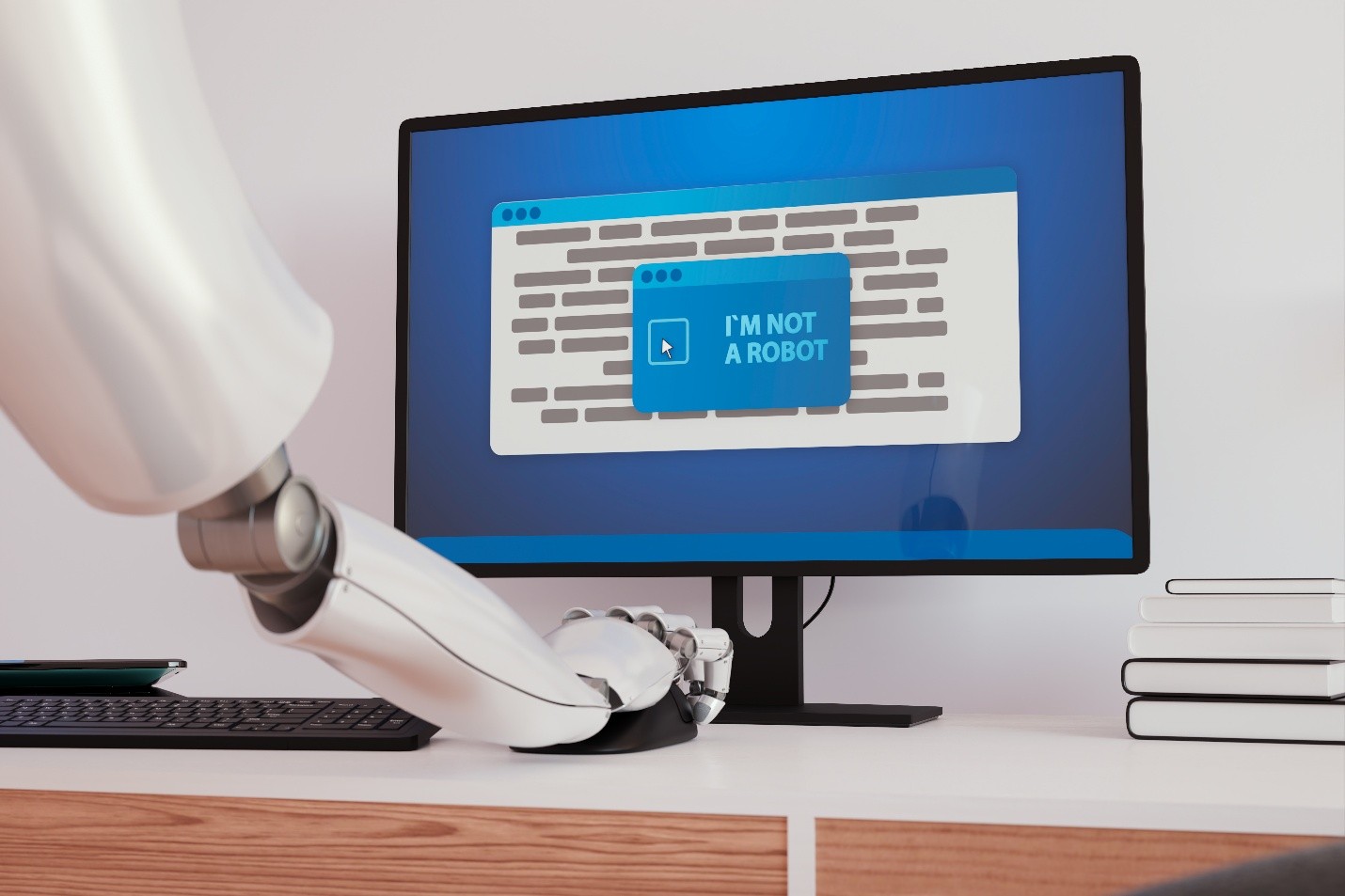
What is CAPTCHA?
CAPTCHA, which stands for Completely Automated Public Turing test to tell Computers and Humans Apart, was developed at Carnegie Mellon University in 2000. A few years later, it was put into production by websites.
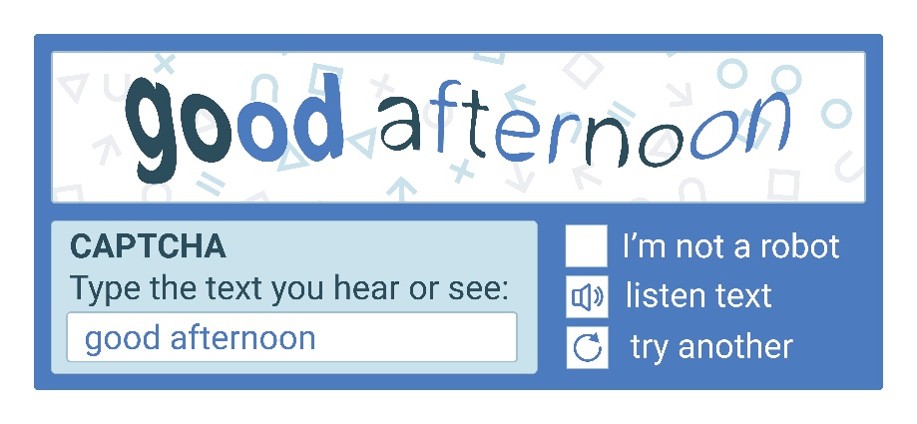 CAPTCHA uses schemes such as distorted text and puzzles that require interaction. It is designed to block bots from using automated scripts to enter contact information and comments into web forms. It can also be used to prevent bots from extracting confidential information, such as telephone numbers or addresses, from websites.
What is ClickFix?
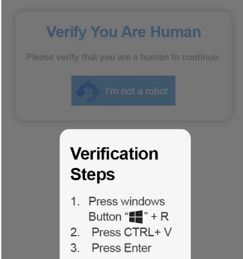
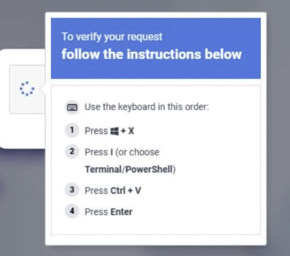
A new cyberattack technique has emerged called ClickFix. It works like this: you visit a compromised website or you click on a malicious ad. Then, you are presented with a screen that imitates a CAPTCHA prompt but with one notable difference: you are asked to perform a series of keyboard commands.
For instance, the prompt may say:
- Press Windows + R
- Press Ctrl + V
- Press Enter
Why Does This Matter?
While these button presses may look innocent, following the instructions at the compromised site inserts malicious code into your clipboard. Pasting and executing this code on your system installs malware. This could be ransomware, remote access tools or programs to steal your passwords or digital wallet information.
What Can Be Done?
The best tool to protect yourself from ClickFix and other cyberattacks is to be mindful and aware while you are working, shopping or playing online. Pay attention to the websites you visit. Every time you are asked to enter information or perform a task, Stop. Read what they are asking you to do. Select every image that shows a bus? Go right ahead. Press multiple keyboard shortcuts? Not a good idea. Whenever you see something out of the ordinary, don't put yourself at risk.
Any of the OSU Agriculture IT Computer Specialists would be happy to help you inspect potentially harmful sites.
If you want to be serious about protecting yourself online, be careful that you don't do the bad guys' work for them!
Reference:
Stec, Albert (2023, May 5). What Is CAPTCHA and How Does It Work? Baeldung.cs. https://www.baeldung.com/cs/captcha-intro
The Seraph Secure Team (2026, March 16). Meet ClickFix - The “CAPTCHA” Scam That Tricks You Into Installing Malware. Seraph Secure. https://www.seraphsecure.com/articles/2026/03/16/meet-clickfix-the-captcha-scam-that-tricks-you-into-installing-malware
The Center for Internet Security® (CIS®) Cyber Threat Intelligence (CTI) team (2025, October 27). ClickFix: An Adaptive Social Engineering Technique. Center for Internet Security. https://www.cisecurity.org/insights/blog/clickfix-an-adaptive-social-engineering-technique
For more information, visit our website.
Story By: OSU Agriculture IT | dasnr_it@okstate.edu